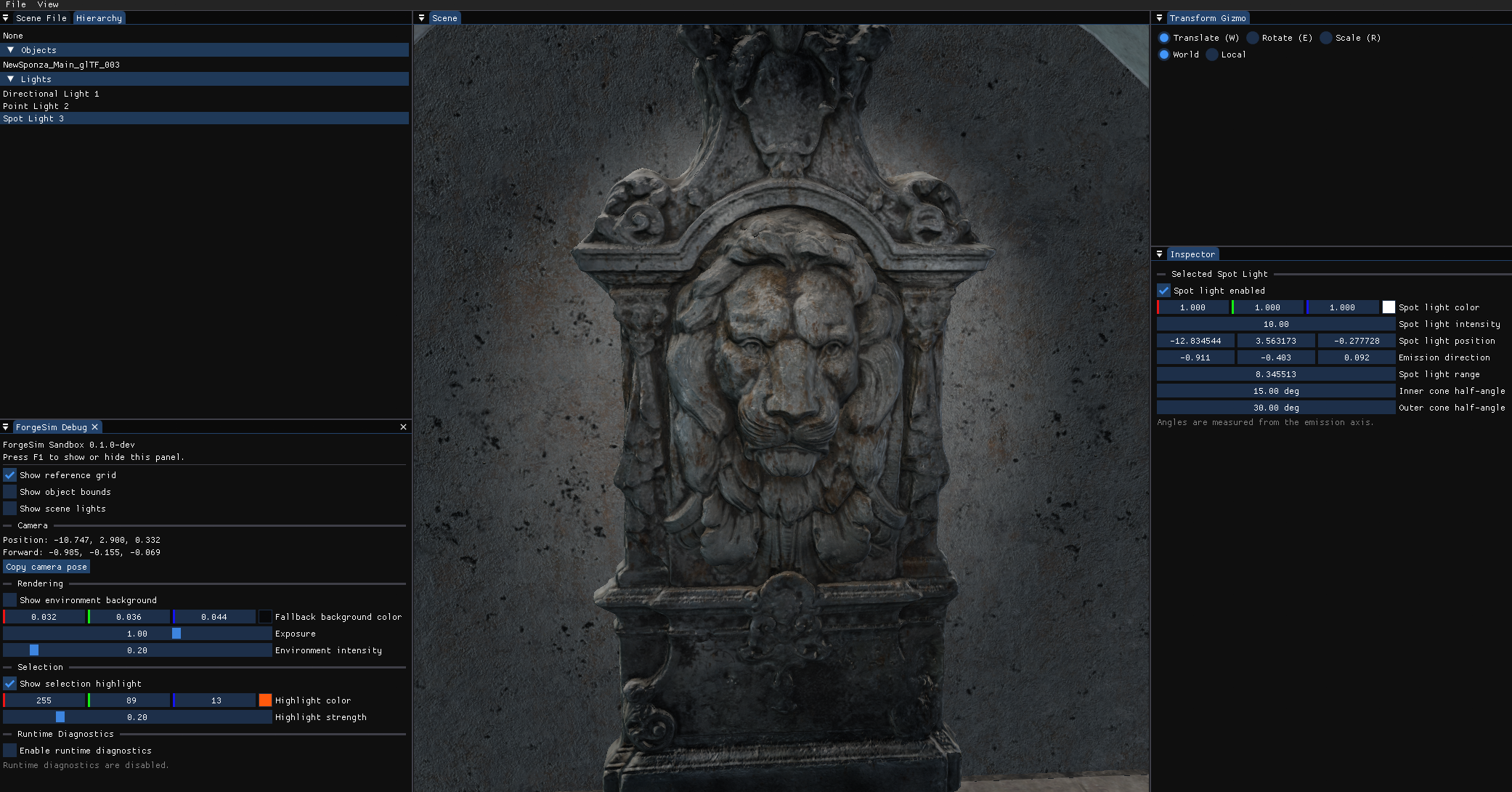
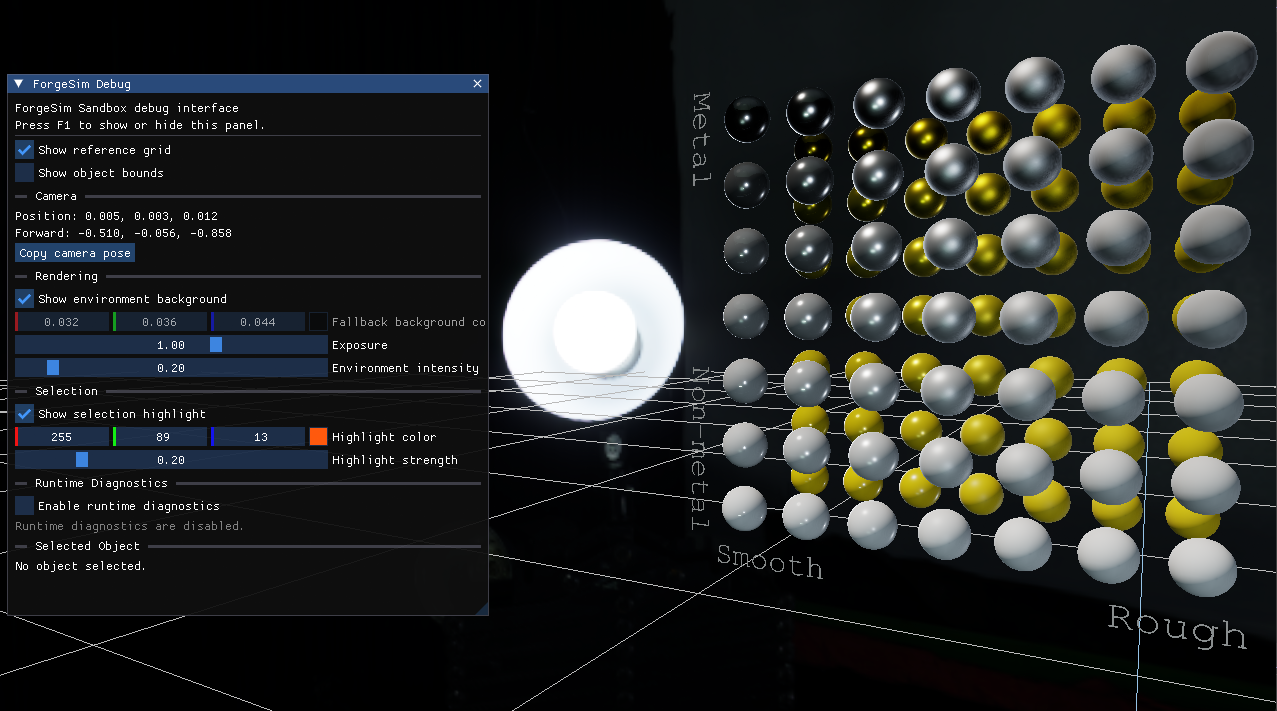
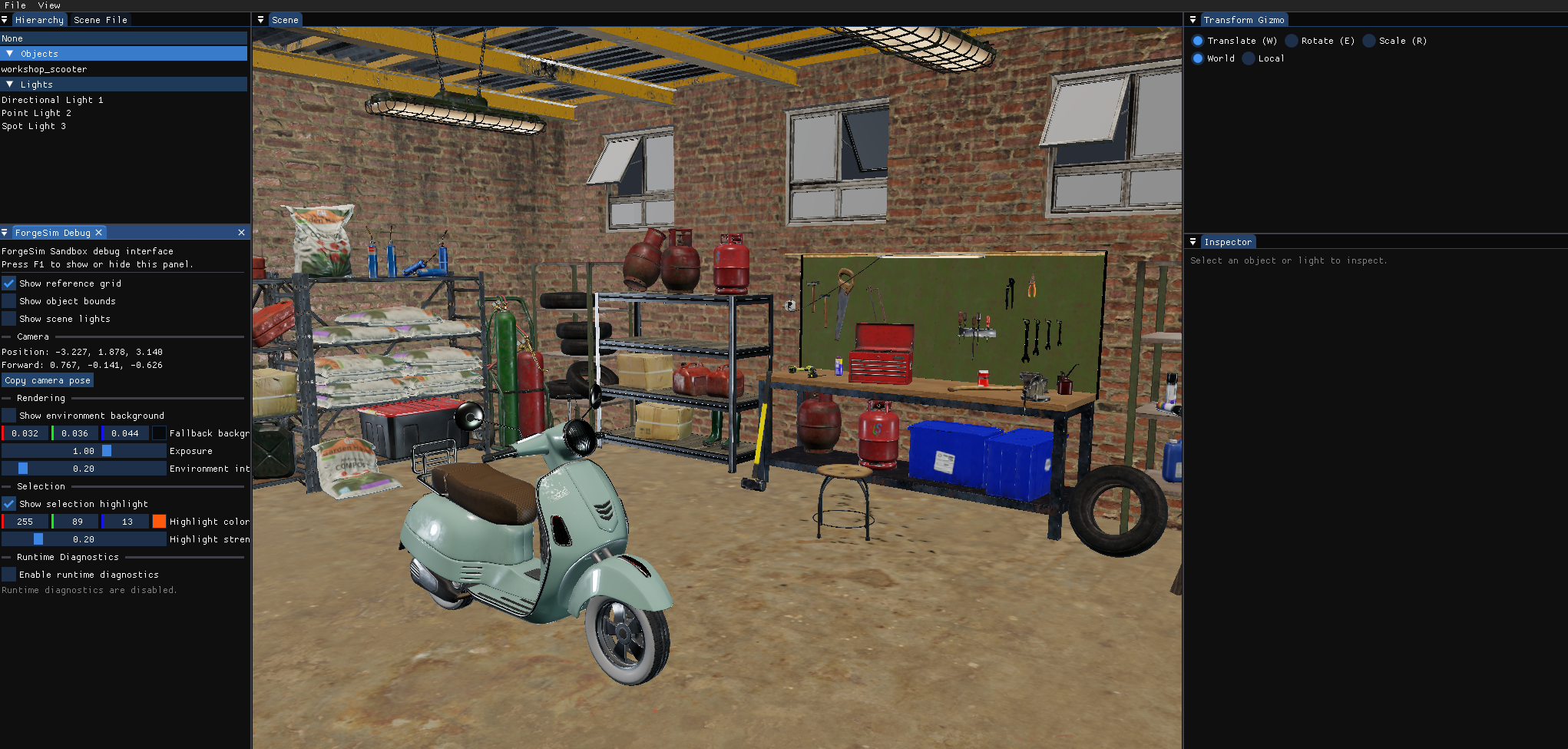
Rendering
Textured glTF scenes with metallic-roughness PBR, image-based lighting, HDR rendering, and exposure and tone-mapping controls.
 ForgeSim
A modern C++ engine and interactive simulation editor.
Rendering, glTF assets, editable lighting, and practical scene tools.
Requires OpenGL 4.6 · Unsigned preview
Run the installer and follow the setup instructions. Alternatively, extract the entire portable ZIP and launch ForgeSimSandbox.exe.
The installer is unsigned. Windows or your browser may display a publisher or download-reputation warning.
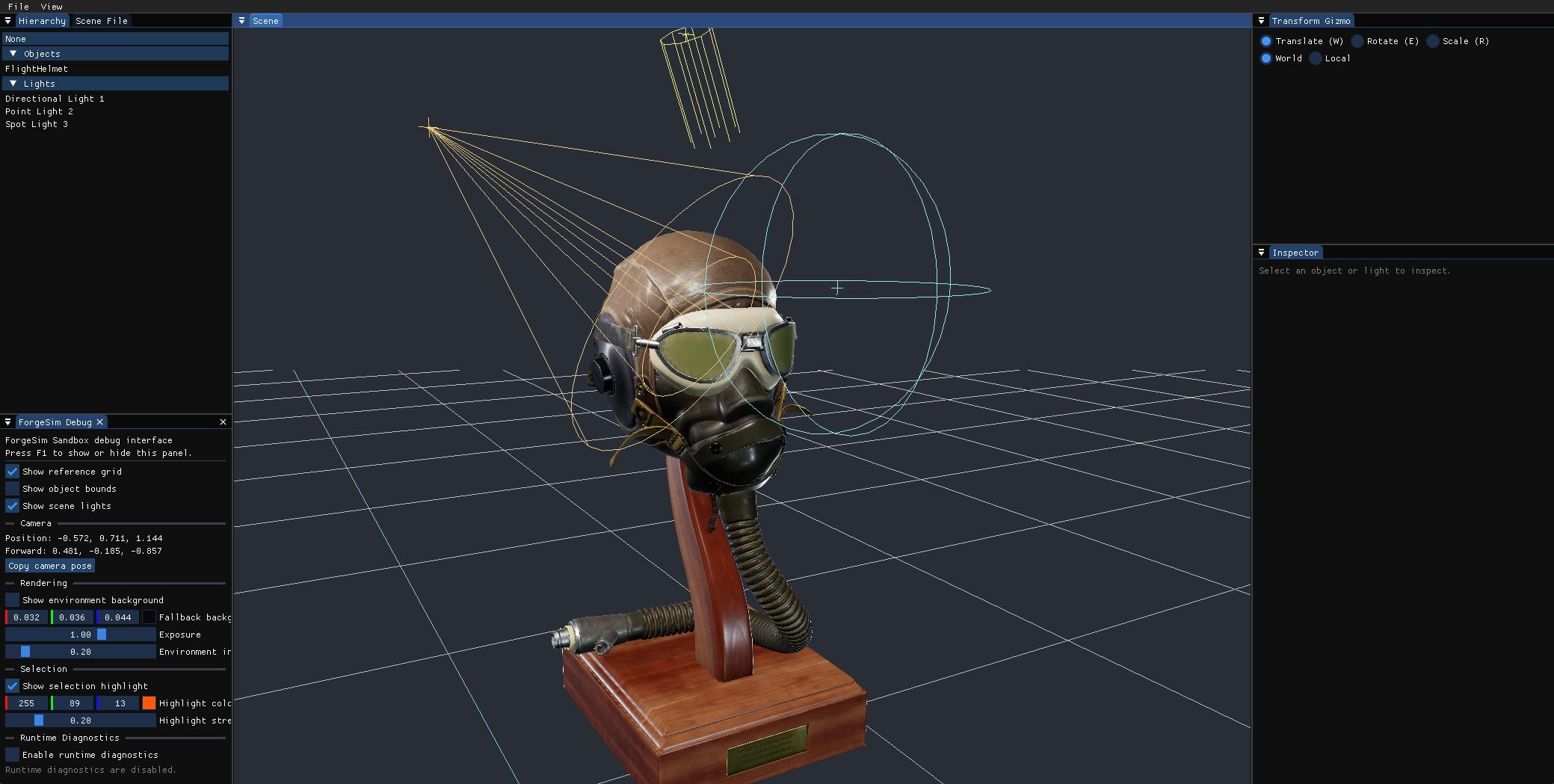
Includes the PBR material gallery and HDR environment. Flight Helmet and workshop assets shown on this page are not bundled.
This is an early development preview. Physics, mechanical interactions, and VR are not yet available.
Current implementation
Textured glTF scenes with metallic-roughness PBR, image-based lighting, HDR rendering, and exposure and tone-mapping controls.
Select objects and lights, edit properties, and manipulate transforms in a docked workspace. Undo and redo transform edits.
Fixed-step scheduling with bounded catch-up, supported by automated tests for selected asset, selection, and editor behaviors.
Gallery
Explore scenes and materials rendered in the current editor.
Imported glTF materials in the scene editor.
Engineering decisions
ForgeSim advances scheduled simulation updates at a fixed interval while rendering runs separately. Bounded catch-up prevents a slow frame from triggering unlimited updates.
Sustained overload still requires an explicit policy for handling simulation time. A fixed timestep alone does not guarantee deterministic results.
A focused asset pipeline handles multiple meshes, materials, textures, and node transforms. It supplies fallback textures and generates missing normals or tangents where supported by the source data.
Supporting one initial format keeps development manageable. Compatibility depends on the glTF features used by each asset; support does not yet extend to every extension or material model.
Development direction
ForgeSim remains in active development. The current work establishes rendering and editor infrastructure; the longer-term direction is interactive mechanical systems, equipment behavior, and procedural training scenarios.
Future work includes expanding simulation capabilities, improving authoring workflows, and introducing immersive interaction as the underlying systems mature. These are development goals, not completed features.
The repository contains implementation details, build instructions, known limitations, and the evolving roadmap.
About the project
ForgeSim is an engine and editor being developed to create interactive 3D experiences, with a particular interest in machinery and simulation. An engine provides the underlying systems for displaying a scene, responding to input, and coordinating how things change over time.
It provides a visual workspace for loading scenes, arranging objects, editing lights, and inspecting properties. These tools let you work with a scene while seeing the results.
Building ForgeSim gives me direct experience designing rendering systems, development tools, and simulation foundations and exploring how they can work together. It also provides a place to investigate practical ways to improve development workflows.
The Windows preview includes a material gallery where you can explore different surfaces, adjust lighting, and use the scene-editing tools. Physics, mechanical interactions, and VR are not yet available.
Download the Windows preview to try the current version.